🎨 UI Design
📊 Dashboard
🏠 Smart Devices
Smart Home Control App
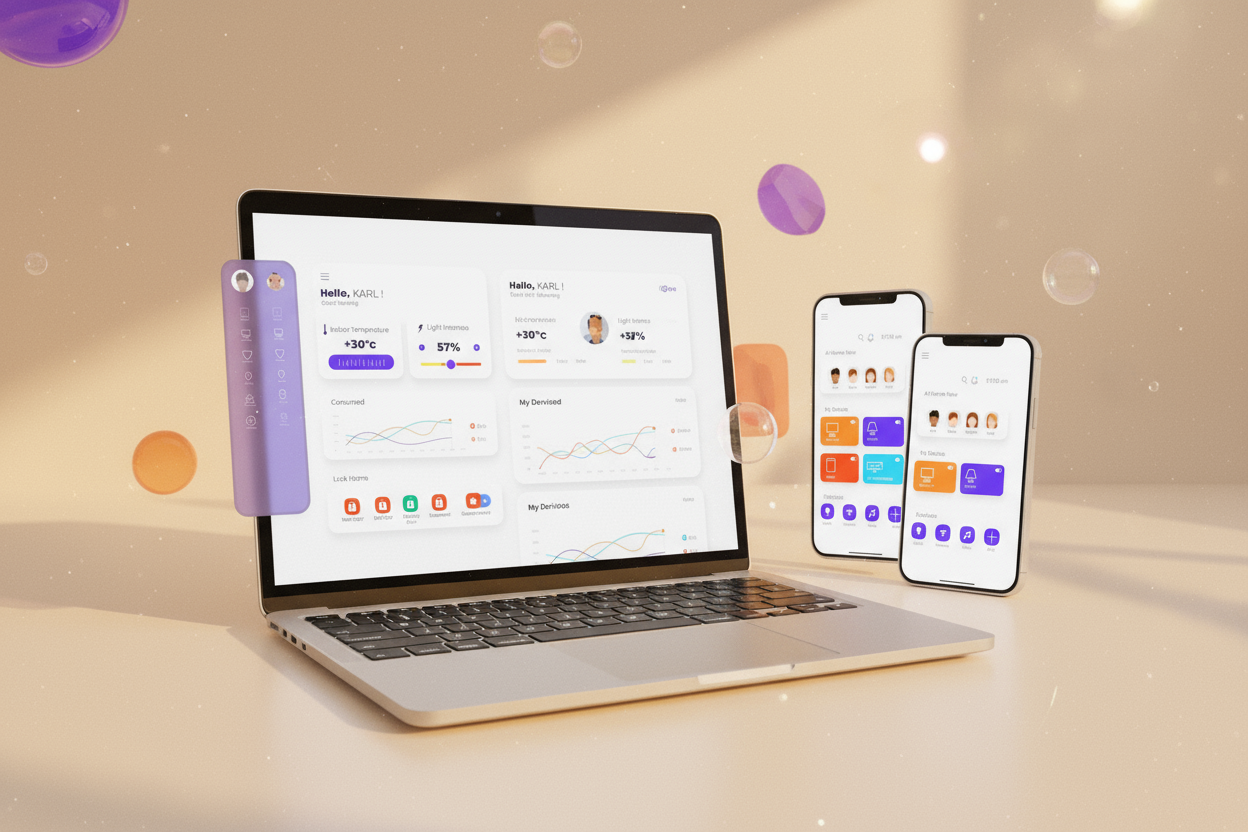
A modern dashboard to manage your entire home from one screen.
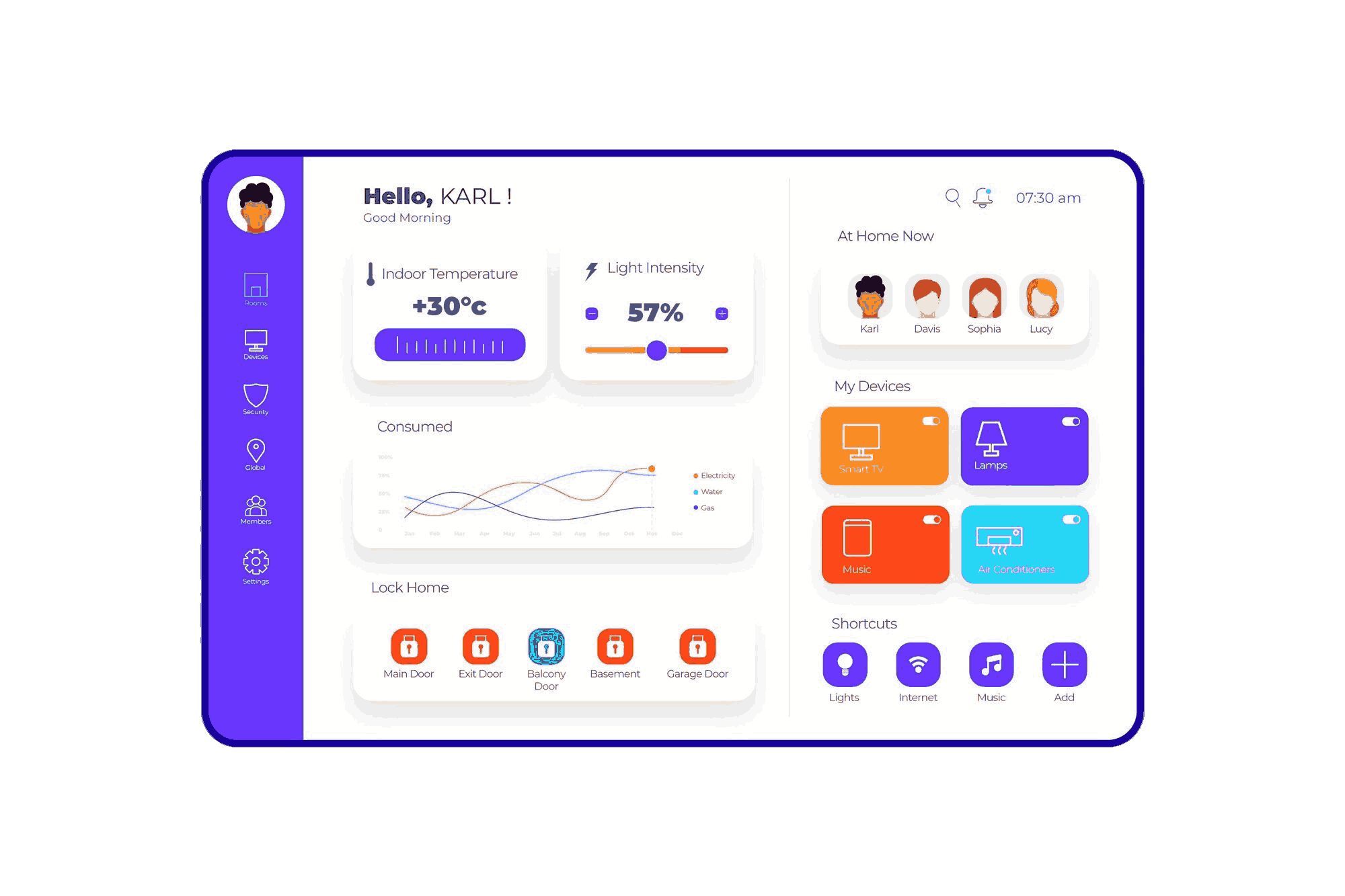
A modern dashboard to manage your entire home from one screen.
The Smart Home Control App was designed to simplify the experience of managing home environments from controlling lights and ACs to monitoring energy usage. My goal was to design a friendly, intuitive interface blending modern UI aesthetics.
Timeline
2 Weeks
Tools
Figma, Illustrator
Role
UI Designer
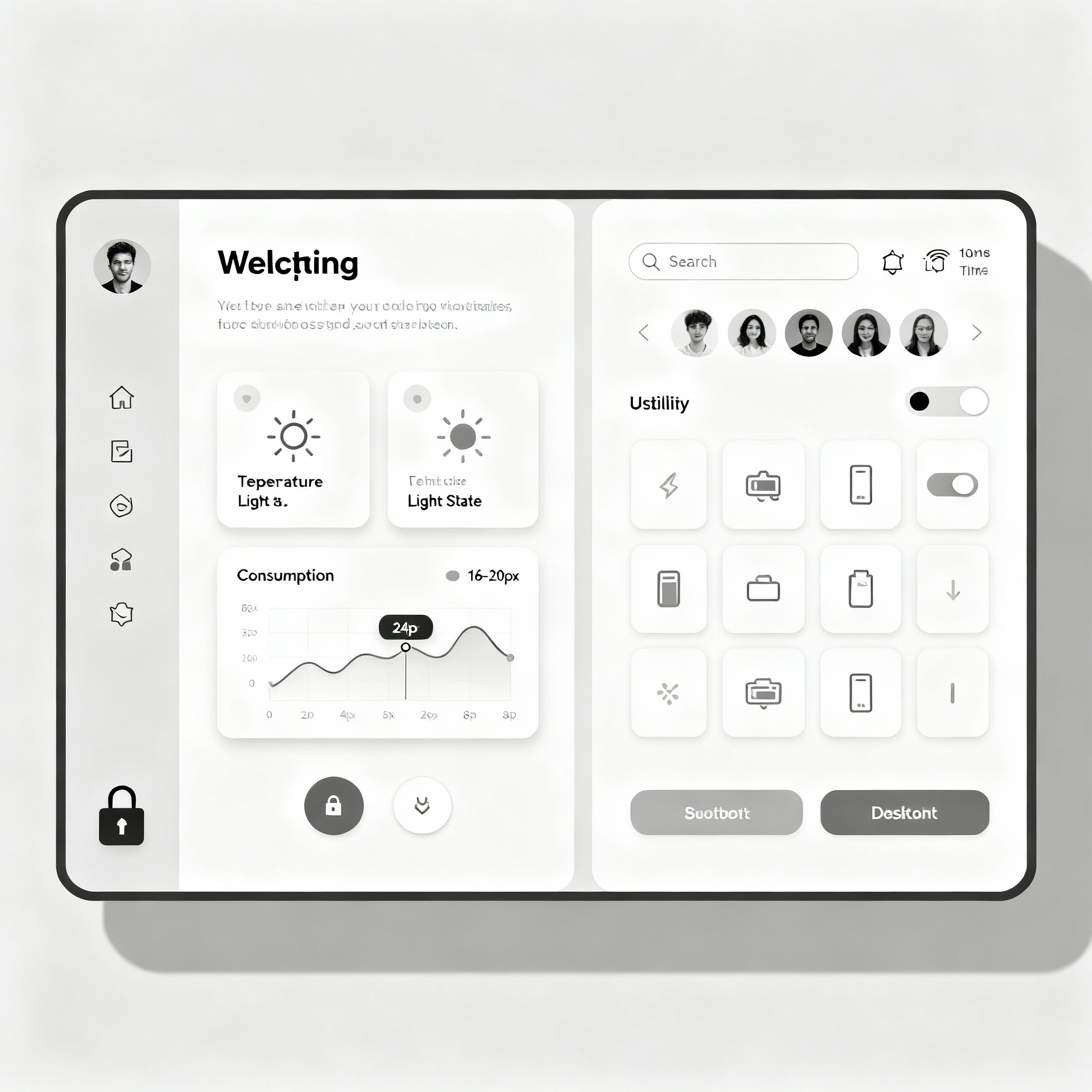
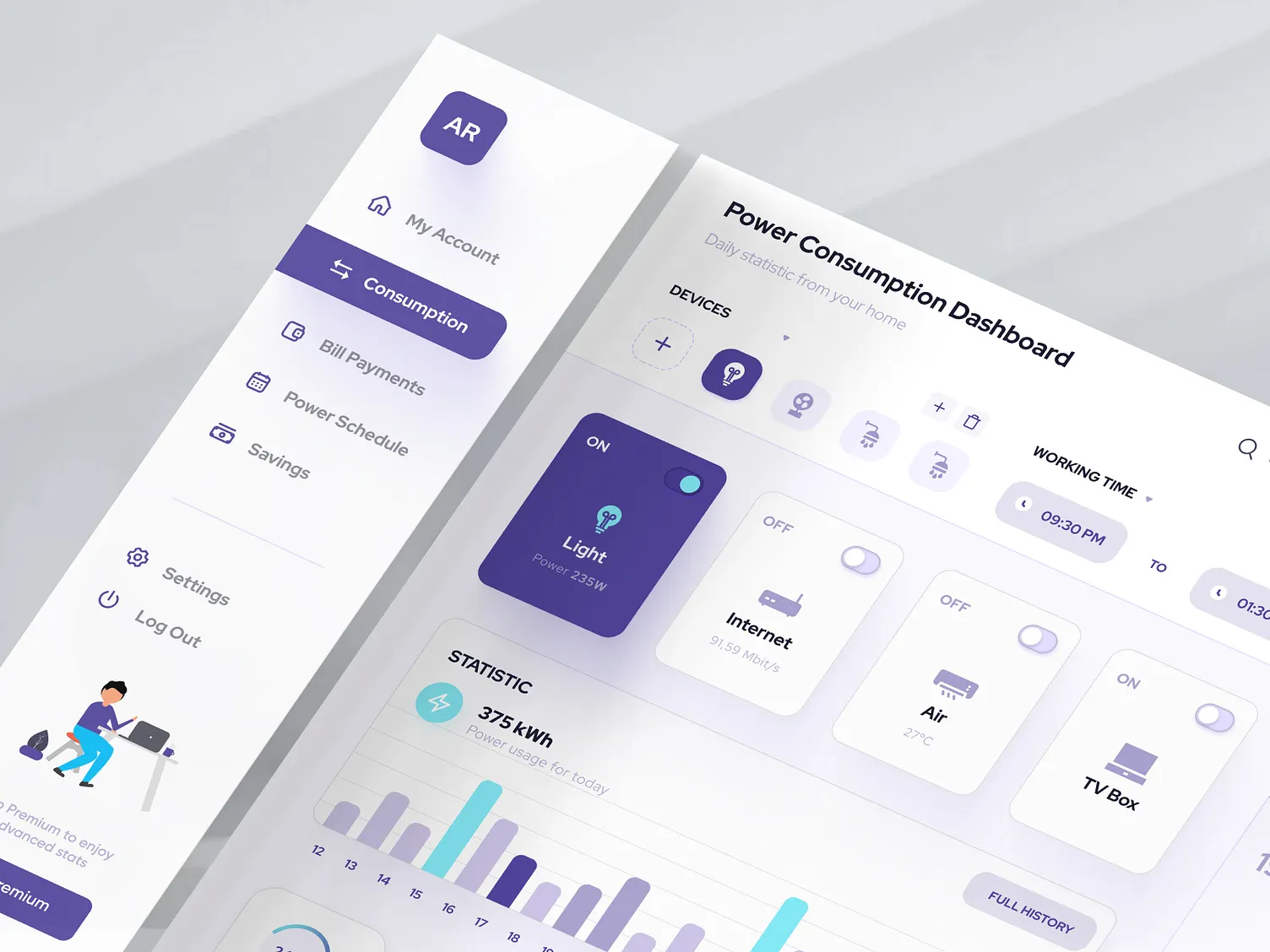
Studied modern IoT dashboards and smart home apps to understand best practices. Analyzed user pain points around cluttered interfaces and overwhelming controls.
Created low-fidelity sketches focusing on layout hierarchy and accessibility. Prioritized quick-access controls and visual clarity for primary actions.
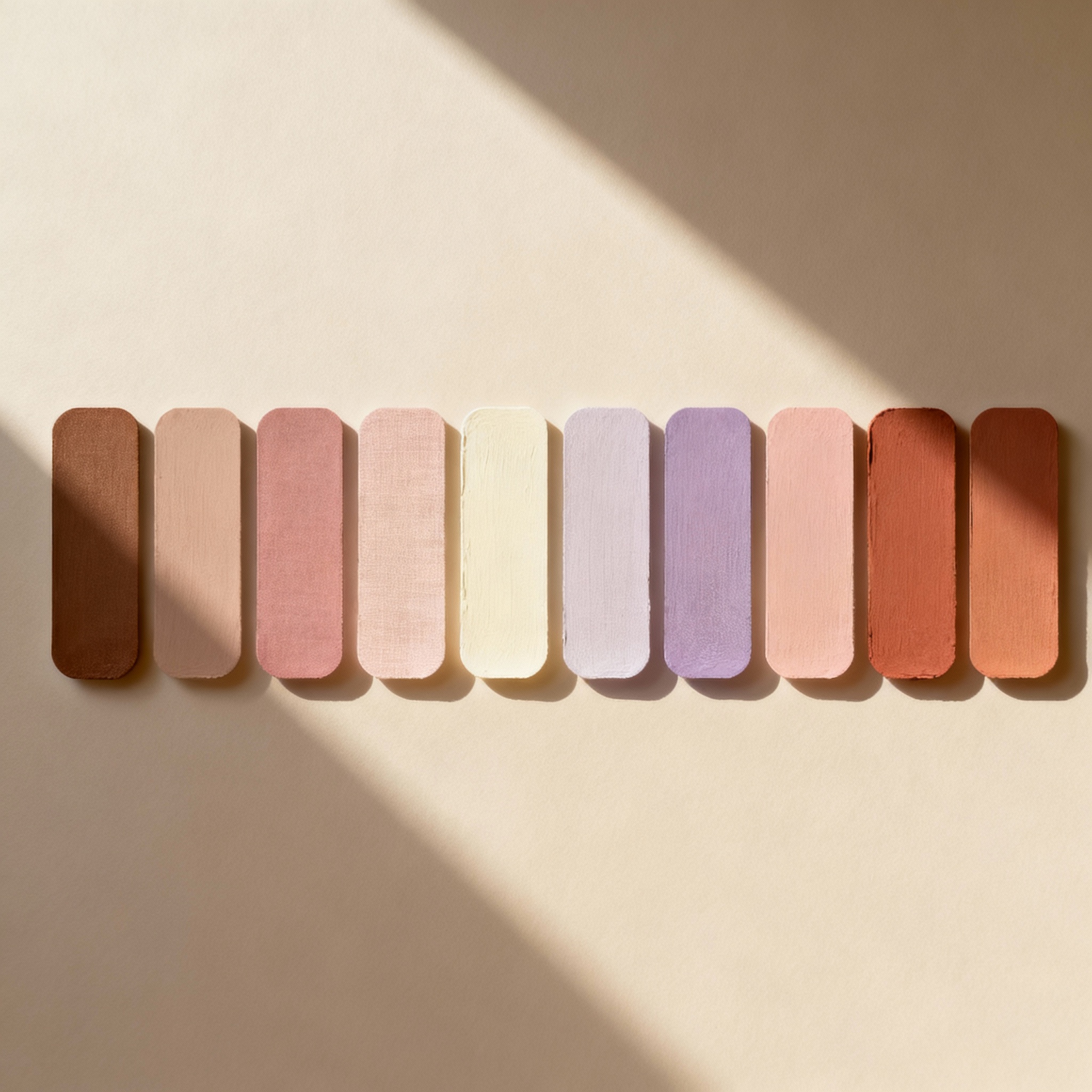
Added vibrant gradients, neumorphic elements, and micro-interactions. Focused on creating a balance between aesthetic appeal and functional design.
The interface was designed with a clear visual hierarchy to guide user attention naturally:
Primary Focus
Temperature control and light intensity sliders the most-used features.
Secondary Elements
Device cards with quick-toggle switches for appliances.
Supporting Info
User avatars, shortcuts, and energy usage stats for context.
💡 Interaction Note: Buttons like "Lock Home" feature a gentle pulse animation to draw attention, while cards subtly lift on scroll to create depth and engagement.